More than playlists
Create digital signage people can watch, explore, and interact with.

Interactive digital signage
Create engaging displays, interactive touch experiences, and live information that stays easy to update across every location.
Inside Displayteq
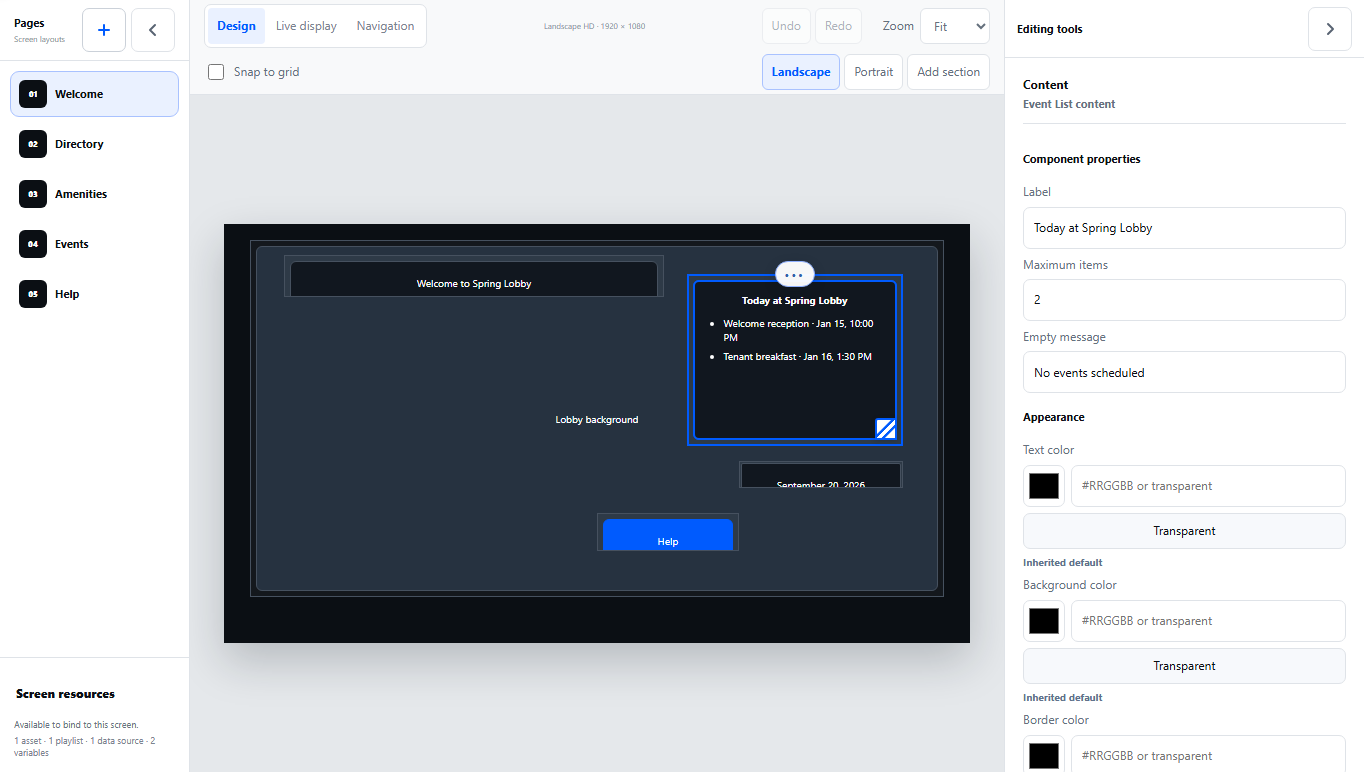
Start with a template or a blank design. Add your images, arrange your content, and test the result in Preview. Save your work now and choose when it goes live.
Why Displayteq
Create digital signage people can watch, explore, and interact with.
Connect changing information so schedules, directories, announcements, events, and dashboards stay useful without constant manual updates.
Manage screens centrally while keeping content relevant to each location.
Keep images in your Library and save reusable Designs, ready for the screens you choose.
Built for interaction
Go beyond content on a loop with touchscreen signage that helps people find information, explore, and take the next step.
What you can build
Built for properties, workplaces, campuses, visitor environments, and other spaces where screens need to do more than play content.
Keep tenant or staff information current while making it easy to explore.
Help visitors find destinations with an interactive display.
Let people explore the information that matters to them.
Keep shared spaces current with announcements and timely information.
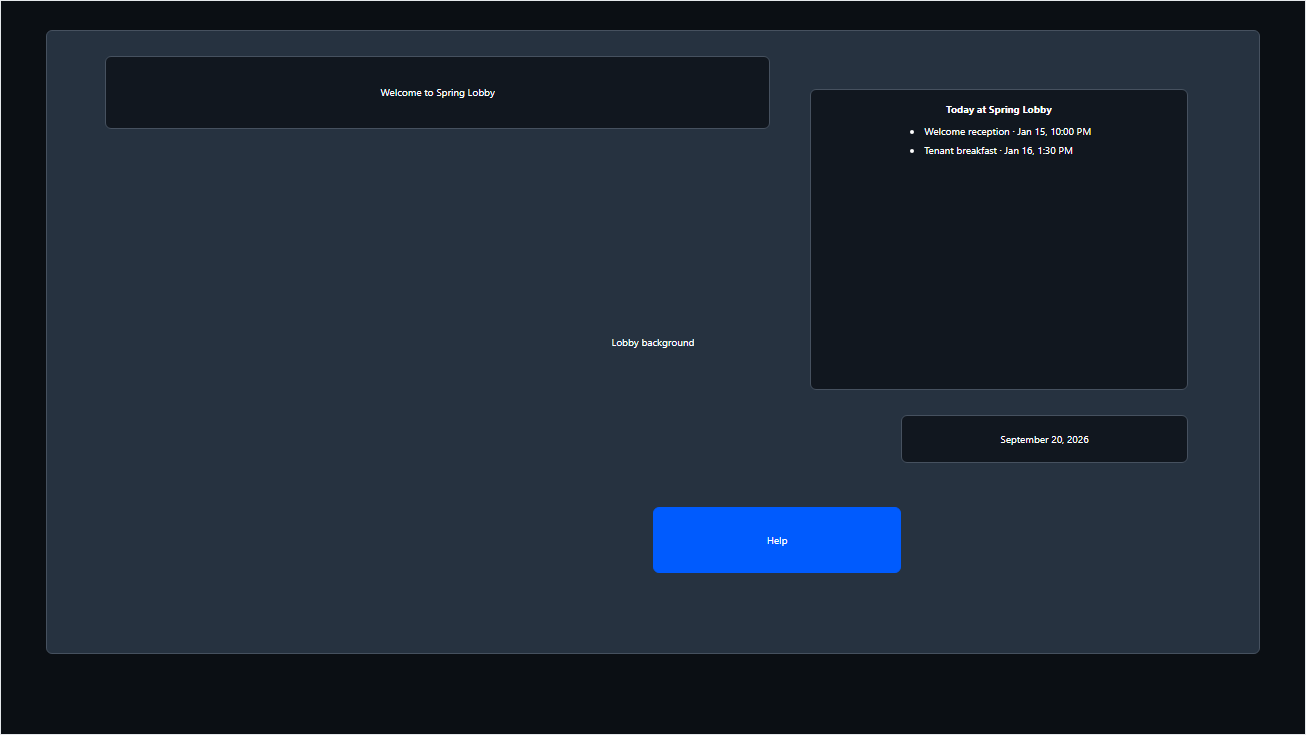
Show what is happening now and what is available next.
Create a more engaging way to tell your story in person.
How it works
Start from a template, add content from your Library, and save your design for later.
Preview your design, apply it to a screen draft, then publish when you are ready. Saving a design does not change what is live.
Keep track of what is running across every location.
Manage every location
See what is running across locations, coordinate updates from one place, and keep your screens useful as your program grows.
Display status
Content currently live
Displays needing attention
Connect a screen
Open Displayteq Player in a supported browser on the screen to see a short pairing code. Enter that code in your workspace to connect it. Then choose a saved design, review the screen draft, and publish when you are ready.
Already paired screens should keep their current URL and browser profile. No setup change is needed.
Start a conversation
Tell us about your space and what you want your screens to do. We’ll show you what is possible with Displayteq.